
Here, you will have an overview of all the facilities on your account. They will appear in a list format with the highlights of each facility in their own columns.
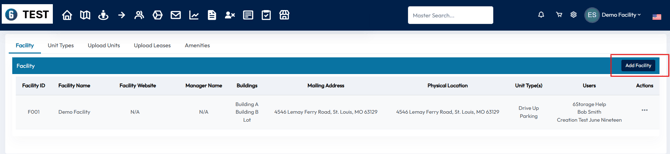
To add a facility, you can click on the Add Facility button on the upper right side of the screen.
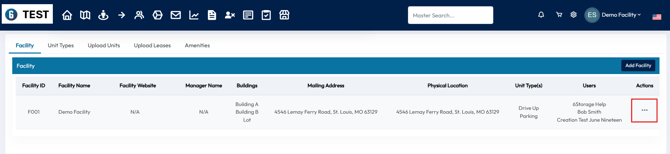
To edit a facility, you can click the action button on the right side and select Edit
When adding or editing a facility you will need to add the following information about your facility:
- Facility Name
- Facility Time Zone
- Facility Address
- Website (if applicable)
- Facility Email
- Building Names
- Mailing Address (can be same as billing)
- Facility Office and Access Hours.
- How long someone can hold a unit in their cart before the order expires.
- The hours during the day you want emails/texts to go out.
- Social Media (if applicable)
- Logo
- Unit Types
- Users