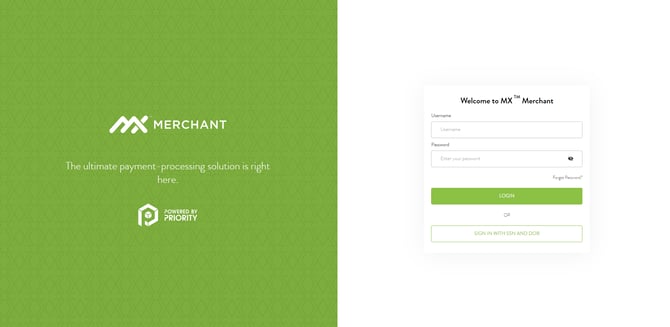
If you are using the MXMerchant Payment processor you can sign into your account using the link here: https://app.mxmerchant.com/
-
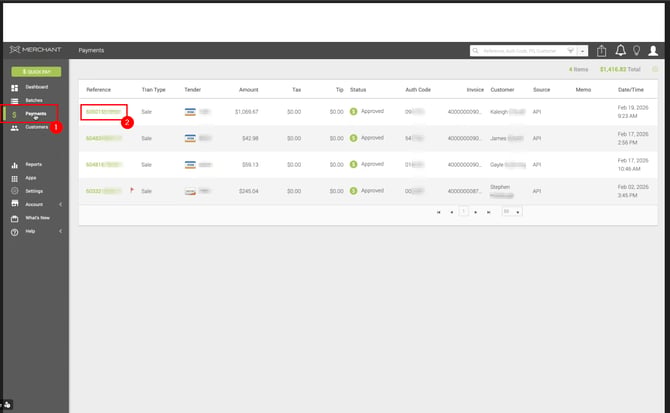
After logging into the payment processor you can start by selecting Payments from the list on the left side
-
Here you will see a list of recent transactions.
-
After finding the transaction you would like to refund, click on the reference number
-
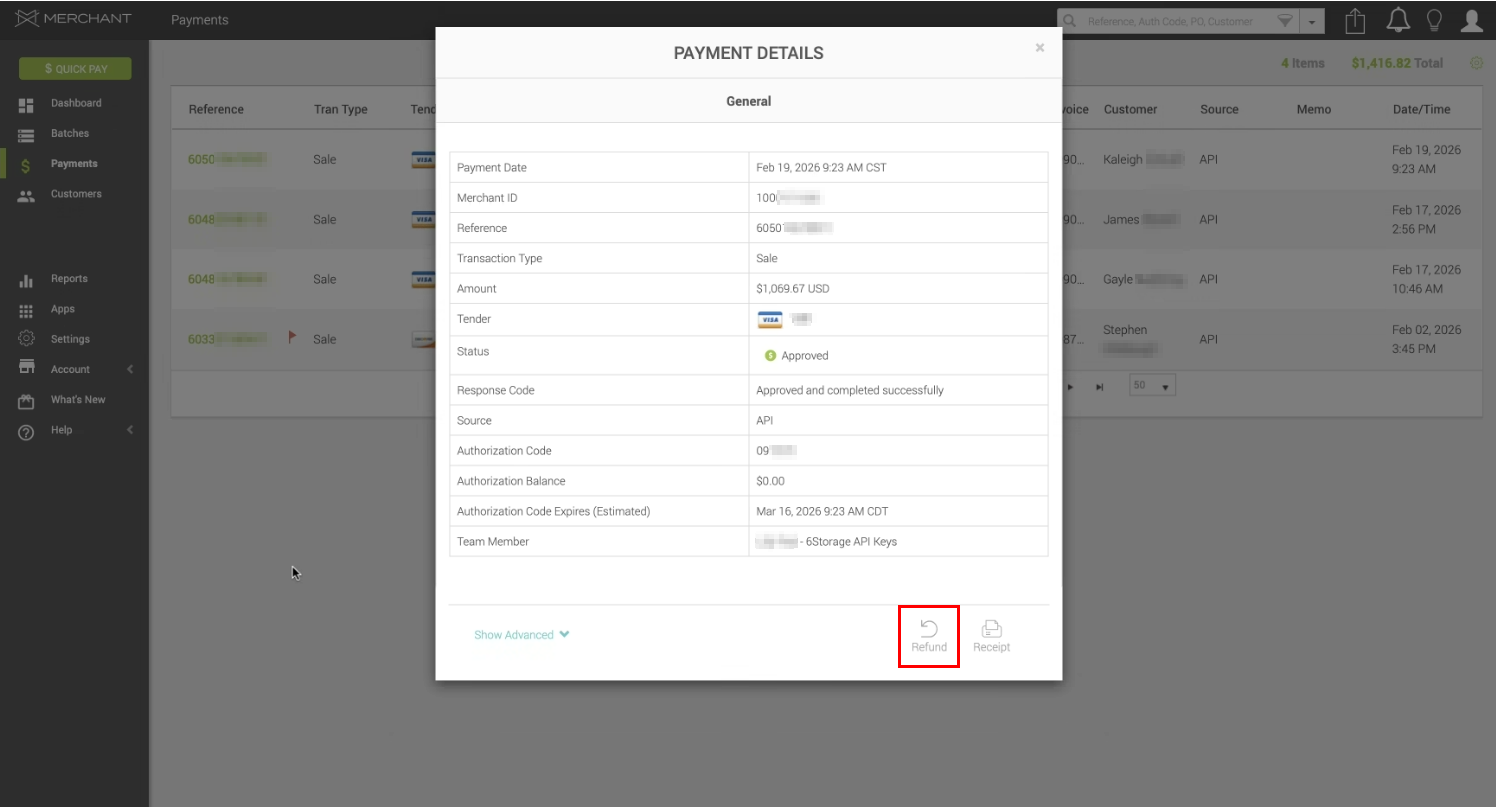
Here you will be given the Payment Details screen.
-
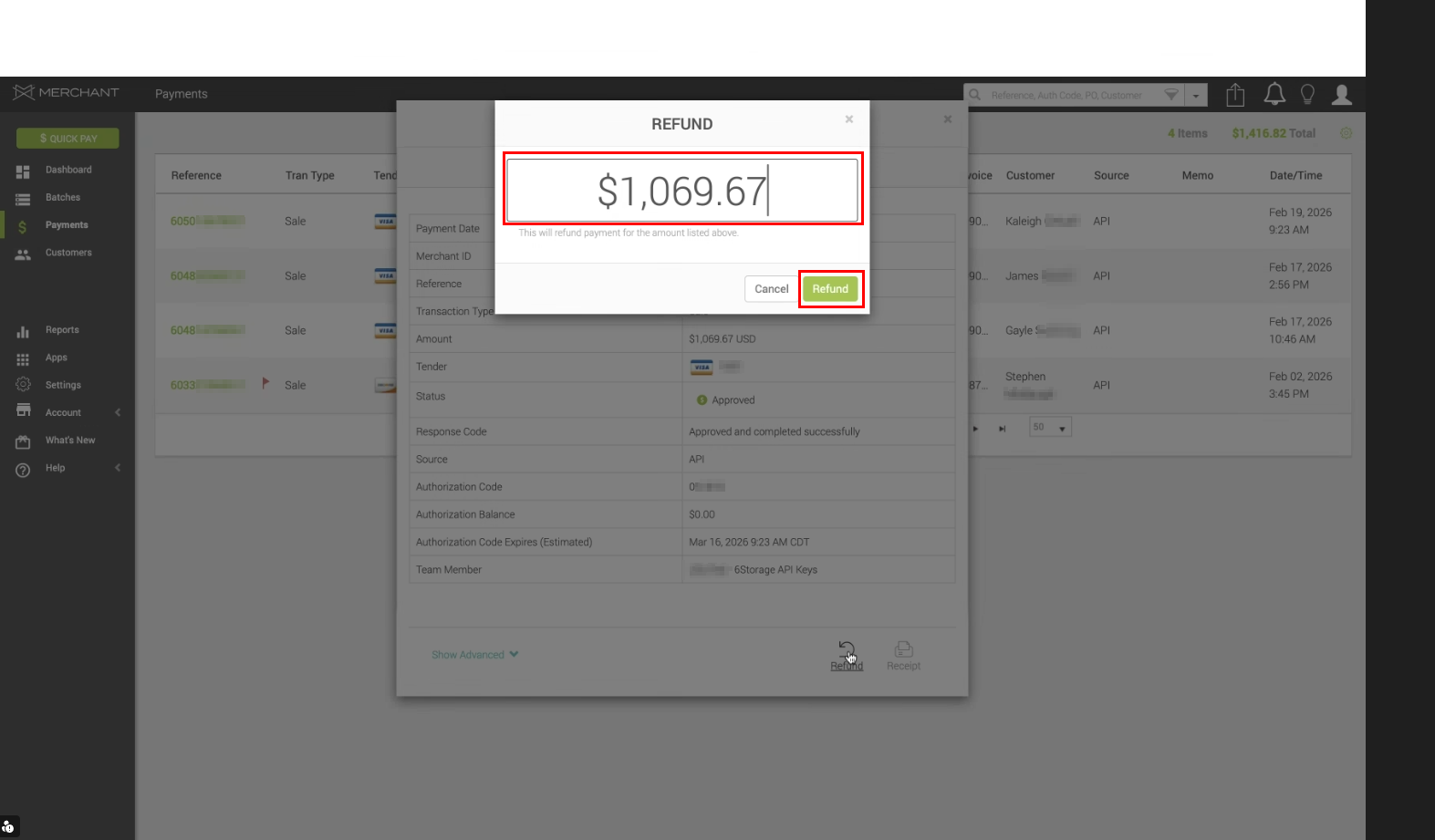
In the bottom right you will see the Refund option
-
This will give you the option to choose how much money from this transaction will be sent back to the card.
-
After you have selected the amount to refund, select Refund
-
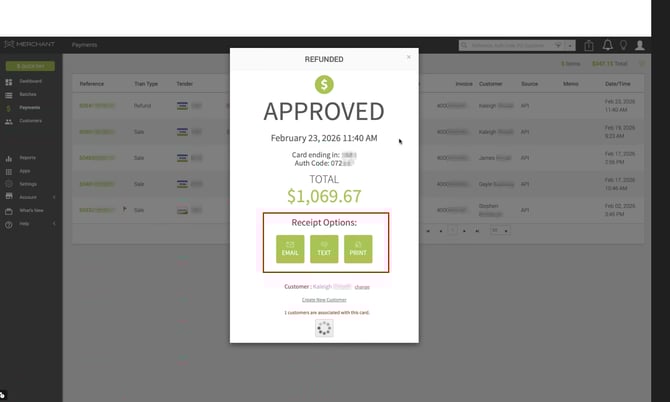
If you would like to receive a Receipt from the payment processor there are multiple options available
-
Email allows you to choose an email to send a receipt to
-
Text allows you to choose a phone number to send a receipt to
-
Print puts the information in a printable format for a physical copy
-
-
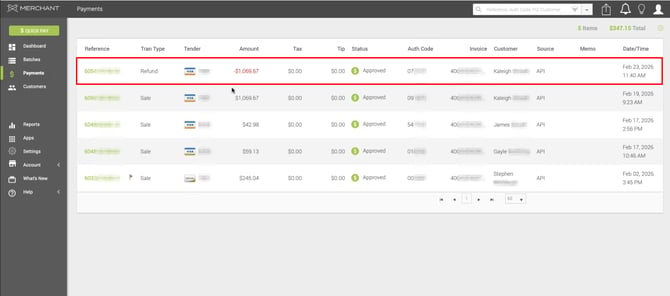
The completed Refund will now be displayed in your recent transaction list.